
Condition
Branch the journey based on data collected in previous steps
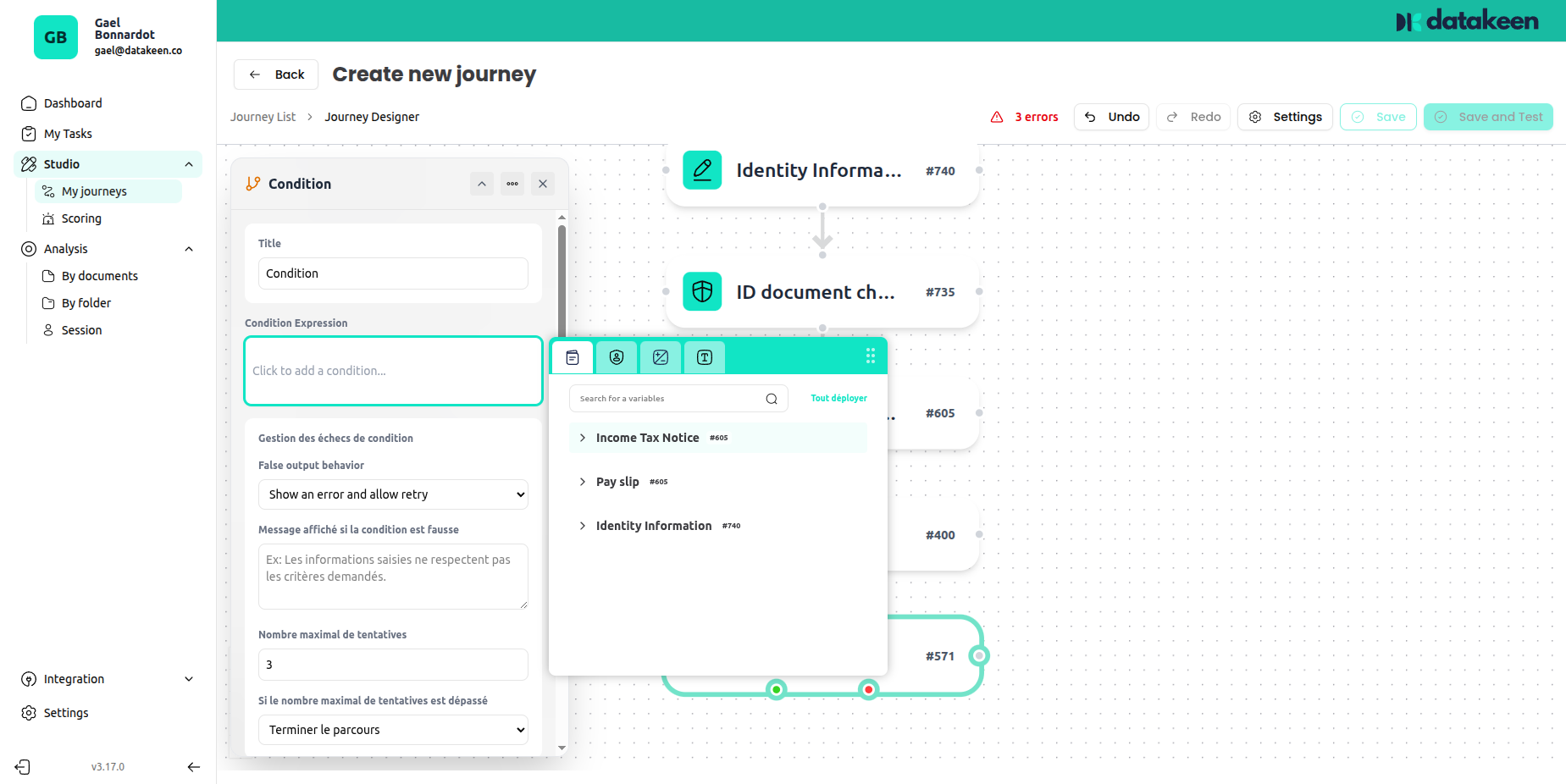
The Condition node introduces decision-making into your journey. It evaluates an expression based on data collected in previous steps, and routes the user to a different path depending on whether the condition is met.
This is what allows you to create intelligent, adaptive journeys — for example, asking for extra documents only from users above a certain age, or routing a user differently based on their nationality.
How it works
When a user reaches the Condition node, Datakeen evaluates the expression you've defined. There are two possible outcomes:
- Condition met (True) → the journey continues normally to the next step
- Condition not met (False) → the configured failure action is triggered
Configuring the condition expression
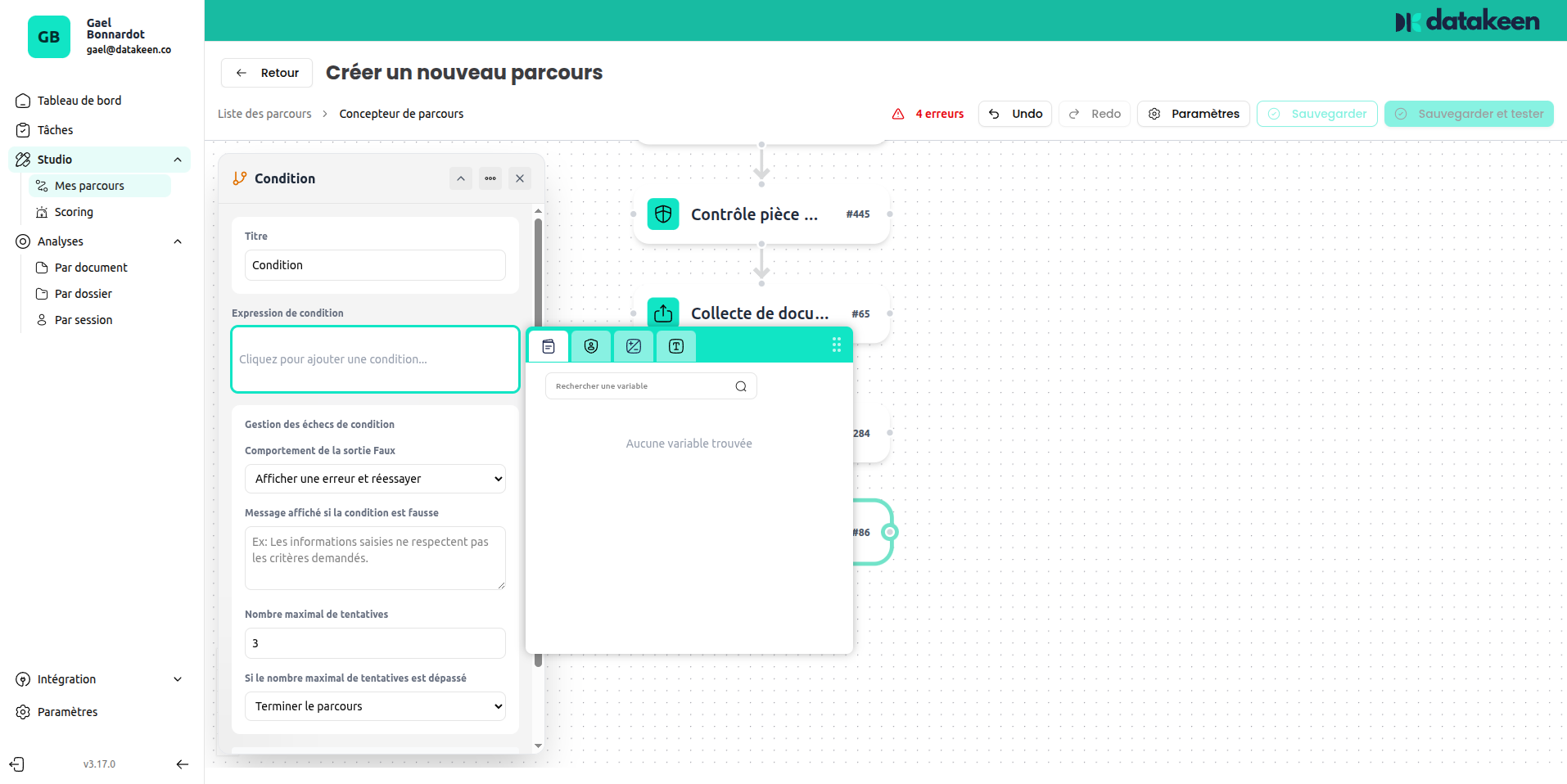
The expression is built using a visual formula editor. Click the expression field to open the editor toolbar.
Building an expression
You can reference any data collected in earlier steps — for example:
- Fields from an Identity Information node (name, date of birth…)
- Values from a Custom Form node
- Results from an Identity Document Check
Operators
The formula editor provides three categories of operators:
| Category | Operators |
|---|---|
| Arithmetic | +, -, ×, ÷ |
| Logical | AND, OR |
| Comparison | =, ≠, <, >, ≤, ≥ |
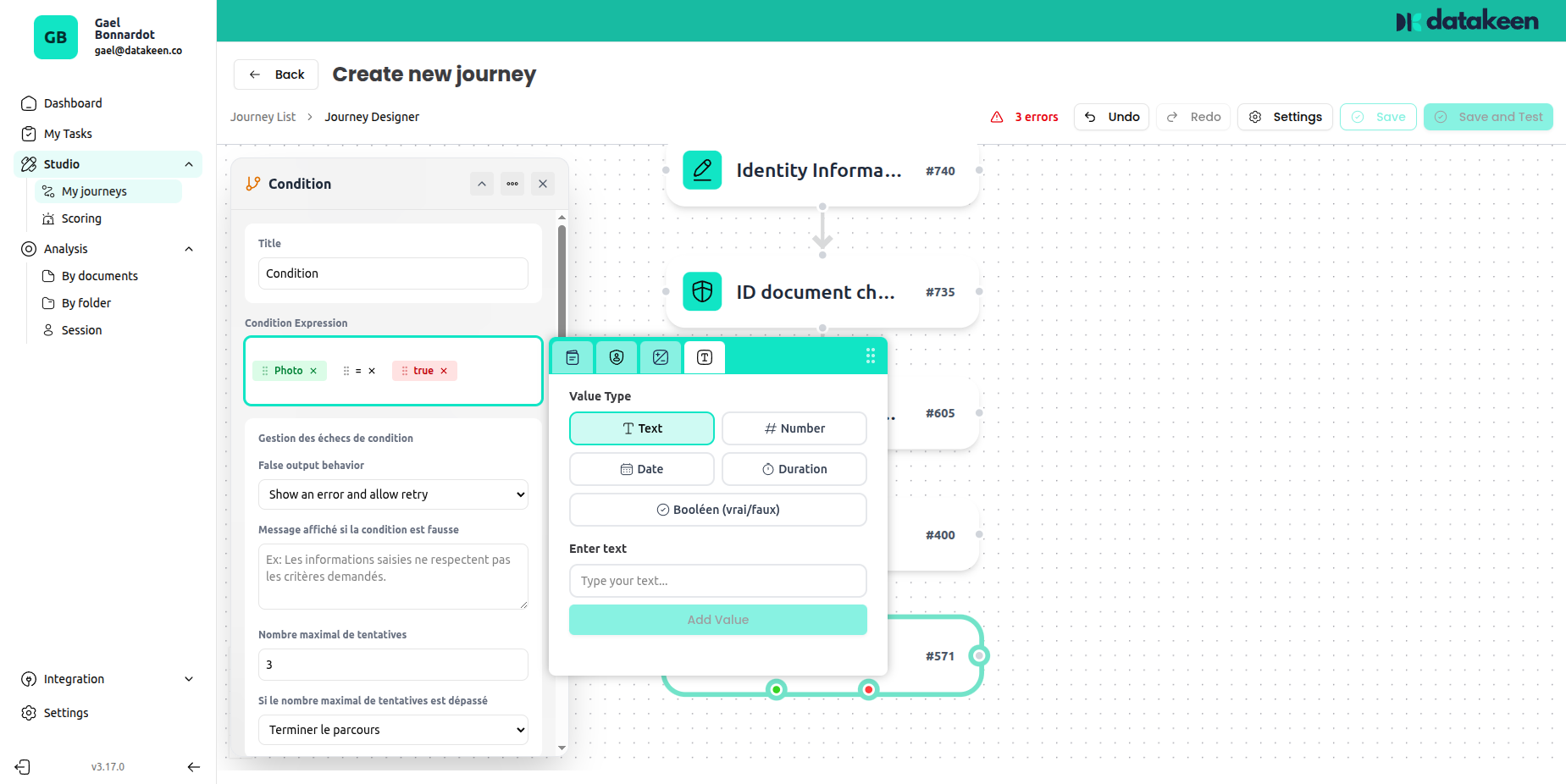
Referencing previous step data
Click the field picker icon to browse available variables from previous steps. Simply select the field you want to use in your condition.
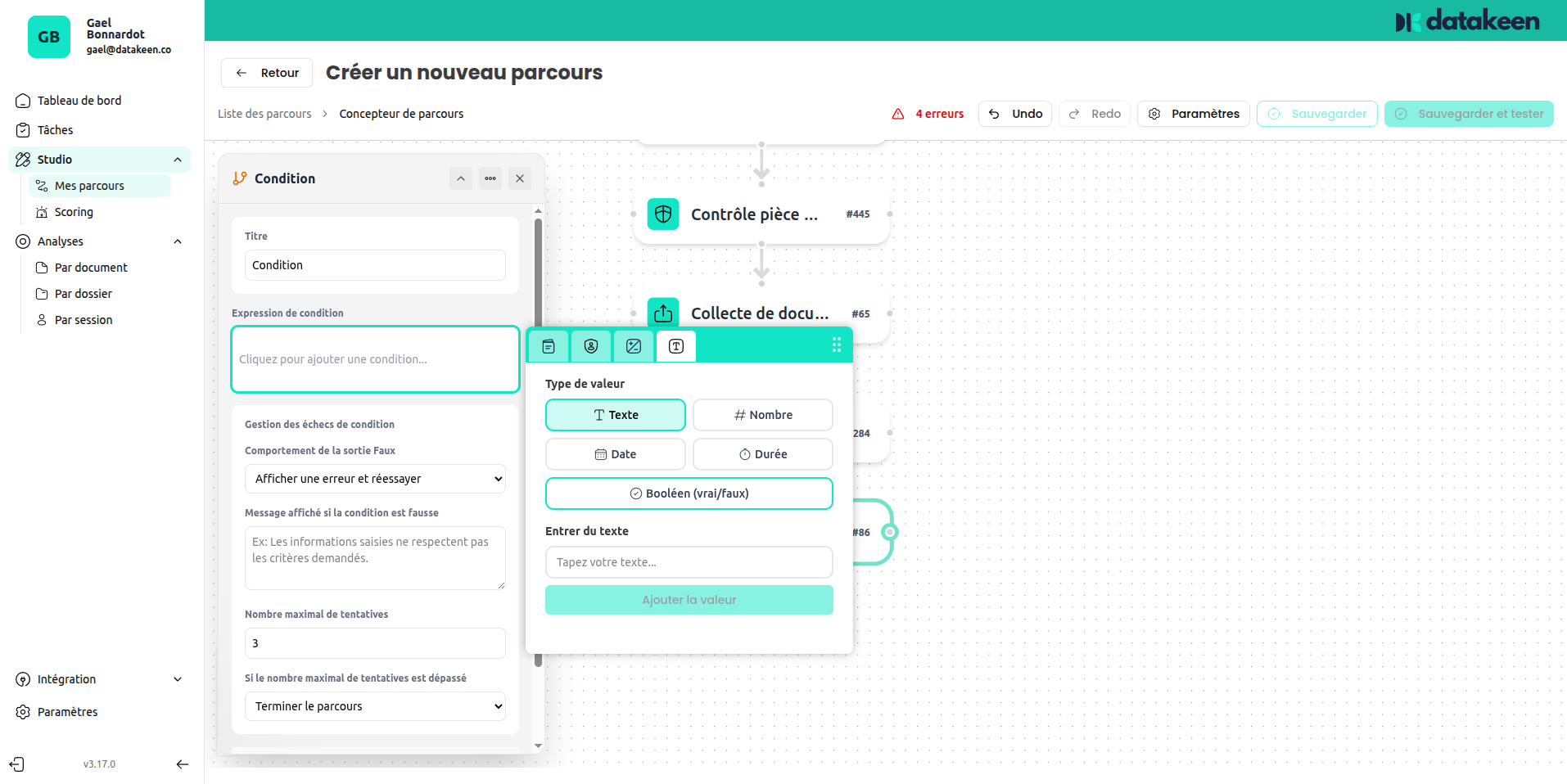
Example expression: Date of birth < 01/01/2007
This condition would be met if the user's date of birth is before January 1st 2007 (i.e. the user is at least 18 years old).
Failure action
When the condition is not met, you choose what happens:
| Option | What happens |
|---|---|
| Show an error and allow retry | The user sees an error message and can try again (up to the retry limit) |
| Terminate the journey | The journey ends immediately with a "non-compliant" result |
Failure message
You can write a custom message that is shown to the user when the condition fails. Be clear but friendly — avoid technical jargon.
Example:
"The information you entered does not meet the requirements for this application. Please check your details and try again."
Maximum retries
Set how many times a user can fail the condition check before the journey is forcibly ended. The default is 2.
Action when max retries exceeded
| Option | Description |
|---|---|
| Terminate the journey | The journey ends with a non-compliant result |
Tips
- The Condition node is extremely powerful but should be kept simple — complex nested conditions can be hard to maintain.
- Always test your condition with realistic data before publishing the journey.
- If you want to block users who don't meet a specific criterion (e.g. age verification), use Condition + a "Terminate journey" failure action.
- You can chain multiple Condition nodes in sequence to create multi-step logic.
Updated 2 days ago