
API Keys
View and manage your API credentials for integrating Datakeen into your applications
The API & Docs tab is where you find your API credentials. You'll need these to integrate Datakeen into your own applications, trigger analyses programmatically, or create journey sessions via the API.
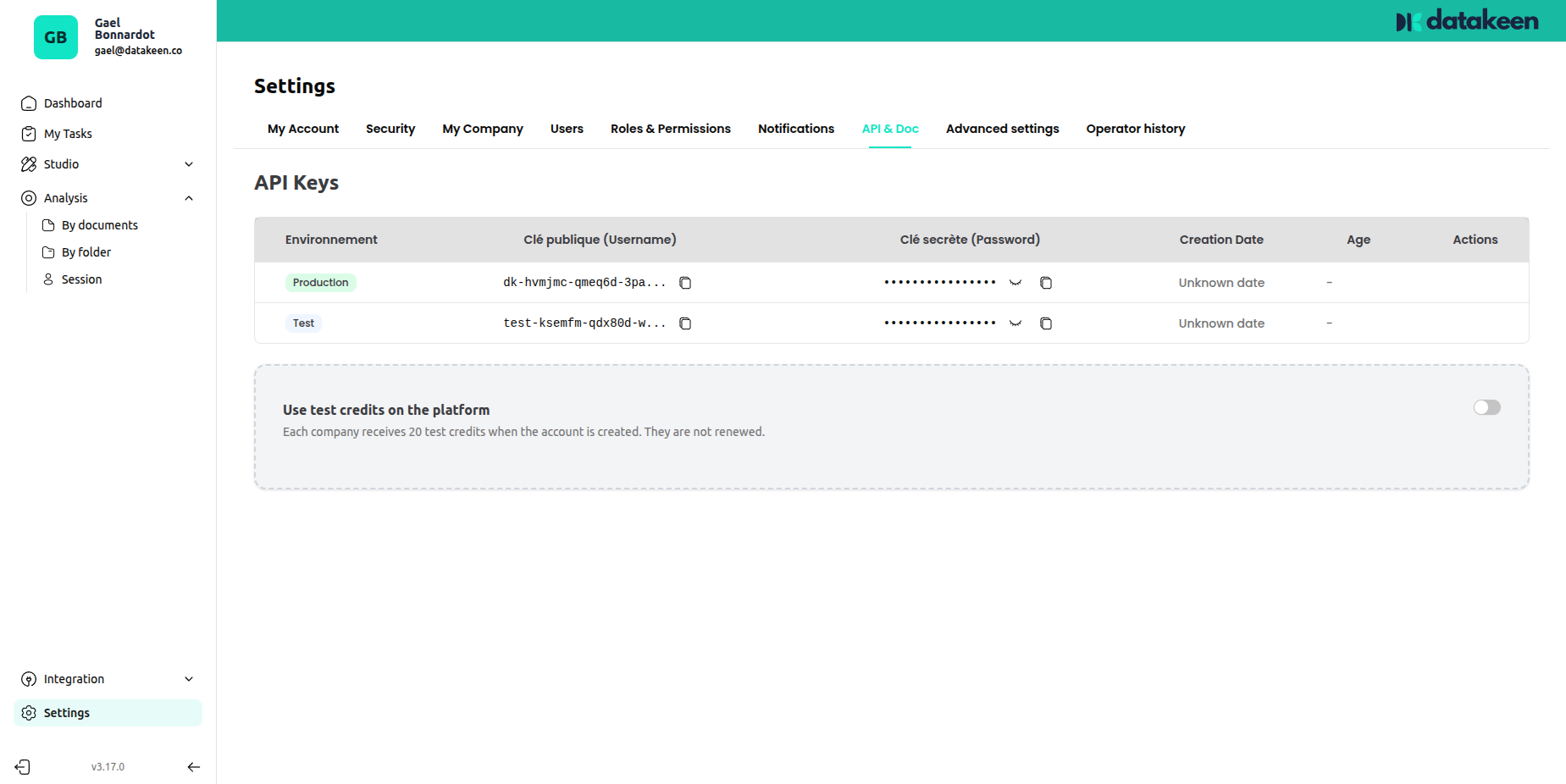
Your API keys
Datakeen provides two environments, each with its own set of keys:
| Environment | Purpose |
|---|---|
| Production | Live environment — analyses consume real credits |
| Test | Sandbox environment — free to use, no credits consumed |
Always start with the Test environment when building your integration. Switch to Production only when you're ready to go live.
Key types
Each environment has two keys:
| Key | Description |
|---|---|
| Public Key | Used to identify your workspace. Safe to include in client-side code. |
| Secret Key | Used to authenticate server-to-server API calls. Keep this secret — never expose it in client-side code or public repositories. |
Click the eye icon next to a key to reveal it, and the copy icon to copy it to your clipboard.
Test credits
Each organisation automatically receives 20 free test credits when created. These credits are valid only in the Test environment and are never renewed — they're there to help you build and validate your integration before going live.
Rotating your keys
If you believe a key has been compromised, you can regenerate it immediately. Contact support or use the key management actions available in this tab.
Regenerating a key immediately invalidates the old one. Make sure to update all your integrations with the new key before doing so.
Using the API
For full API documentation and code examples, visit the Docs link in the API & Docs tab, or refer to the API documentation section of this documentation.
The base URL for API calls:
- Production:
- Journey API :
https://app-v3.datakeen.co/backend - Documents API :
https://api.datakeen.co/api
- Journey API :
- Test/Dev: refer to the URL shown in your settings
Tips
- Store your secret key in an environment variable or a secrets manager — never hardcode it in your source code.
- Use the Test environment for CI/CD pipelines and automated testing. This ensures your tests never consume production credits.
- If you're building a client-side integration (web or mobile app), use the public key only — never the secret key.
Updated 1 day ago